1. Quick Fixes for Common Errors
If you are seeing the message “Your account cannot be created at this time,” this issue is often a temporary security flag. It could also be a network glitch.
- Toggle Your Network: Switch from Wi-Fi to mobile data. Often, public Wi-Fi IPs are flagged by Apple’s security filters.
- Disable VPNs: Virtual Private Networks mask your true location, which can trigger Apple’s anti-fraud systems during account creation.
- Check Date & Time: Ensure your device is set to “Set Automatically.” Incorrect time stamps prevent your device from communicating securely with Apple’s servers.
- Update Your Software: Ensure your iPhone is running the latest version of iOS (or macOS for computers) to ensure compatibility with 2026 security protocols.
2. Understanding Hardware Limits (The “Maximum Number” Error)
Every Apple device has a hard-coded limit on how many new iCloud accounts can be created directly from that specific hardware.
- The 3-Account Limit: Most iPhones and iPads allow only three new iCloud accounts to be created per year per device.
- The Solution: If you have reached this limit, do not try to “reset” the phone. Instead, go to account.apple.com on a computer or Android device to create the account. Once created on the web, you can sign into the “limited” iPhone without issue.
3. Creating an Apple ID via the Web (Step-by-Step)
When device settings fail, the web portal is the most successful alternative.
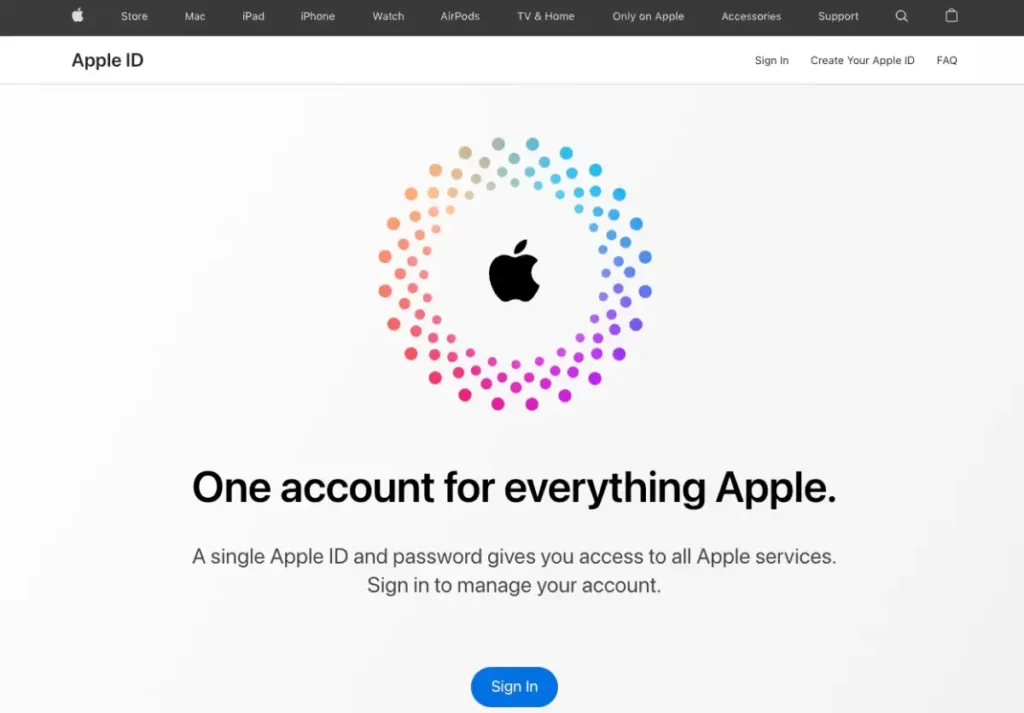
- Visit the Apple ID Creation Page.
- Enter a valid email address that has never been used with Apple before.
- Set a strong password (at least 8 characters, including numbers and symbols).
- Provide a trusted phone number for Two-Factor Authentication (2FA), which is now mandatory for all new accounts in 2026.
- Verify both your email and phone number via the codes sent to you.
4. Advanced Troubleshooting
If the web method also fails:
- Apple System Status: Visit the Apple System Status page to verify if “Apple Account” or “iCloud Account & Sign In” services are experiencing an outage.
- Email Redundancy: If you see “Email address is unavailable,” it means an account already exists. Use the Apple Password Reset tool instead of creating a new one.
- Contact Support: If you are still blocked, it may be an IP-level ban. You can reach out via Official Apple Support for a manual override.